












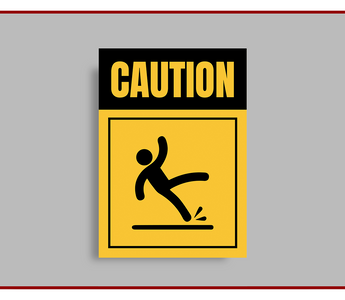
Warehouse signage orders usually involve more individual items than a typical office signage order, including multiple sign types, multiple locations, and often bilingual text. A short prep checklist before you submit artwork saves a round of revisions.
Before You Submit Artwork
- Confirm which language(s) each sign needs: English only, Arabic only, or bilingual.
- Note the mounting surface and location for each sign or floor graphic (indoor/outdoor, wall/floor/overhead).
- List quantities per sign type rather than ordering one of each; most facilities need several of the same warning sign at different points.
- Confirm your logo file is vector format (AI, EPS or high-resolution PDF) if signage will carry your company branding alongside safety text.
- Flag any signs that must match a specific standard or symbol set confirmed by your facility management or EHS team.
Floor Graphic Sizing
Floor graphics are viewed at an angle and from further away than wall signage, so text and icons generally need to be larger than an equivalent wall sign to stay legible. Tell us the width of the walkway or aisle and we'll recommend a suitable size.
Common Artwork Delays
The most common reason a warehouse signage order is delayed is submitting a single generic file for all signage without specifying which text or icon goes on which sign. Submitting a simple list of sign type, location and quantity alongside your artwork speeds up production.
Frequently Asked Questions
What file formats do you accept for logos on signage?
Vector formats such as AI, EPS or a high-resolution PDF work best; we can advise if your file needs adjustment.
Can you help lay out a full sign schedule for a large facility?
Yes, share your floor plan and sign list and we'll help organise it into a clear order.
Back to the full Warehouse & Logistics Facility Printing Package, or see our safety signage buying guide and warehouse opening checklist.



