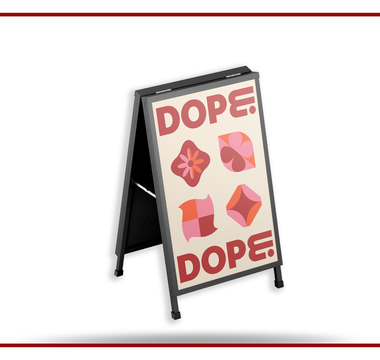
Measure the print insert size and the area visible inside the frame. They may differ because a border or frame edge covers part of the poster.
For print options and an order enquiry, visit Posters.
Check the existing display
Send the frame dimensions and a photo. Confirm portrait or landscape orientation. If replacing an insert, measure the removed print as well and check whether it fits correctly.
Keep key details clear of the edge
Use the confirmed visible area when placing headlines, contact details and QR codes. Ask the printer for the required bleed and safe margin. Do not rely on the frame’s advertised overall size to define the artwork.
Separate print and hardware
State whether you need a replacement print or a complete display. For an A-frame, confirm how many faces need prints and whether the stand is included. Discuss outdoor exposure, material suitability and delivery arrangements in the quote.
Related guide: Design a Poster for Its Viewing Distance