












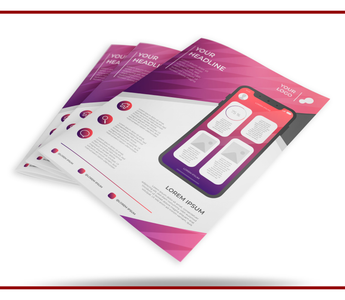
Give the flyer one main job: explain an offer, announce an event or invite a specific enquiry. Make that message visible before adding background information.
For print options and an order enquiry, visit Flyer Printing.
Write the offer first
State what the customer can buy or attend. Add the price, date or eligibility conditions only when they apply and are confirmed. Keep terms readable; shrinking them into a line that cannot be read at print size does not help the customer.
Choose one next action
Decide whether customers should call, message, book or visit. Make that destination clear. If you include a QR code, test the final printed-size version and keep a readable contact option for anyone who cannot scan it.
Check the flyer in context
Print a rough actual-size copy and read it at arm’s length. Check the headline, offer and contact details without zooming in. Use the second side for supporting information if needed, and confirm size, stock and quantity before ordering.
Related guide: Plan Flyer Quantities Before You Order



